Downgrading Among Us
Steam Method
1. How to obtain the previous Among Us version
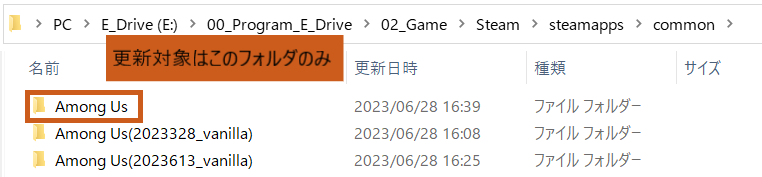
Rename the folder you want to update to
Among Us.If a
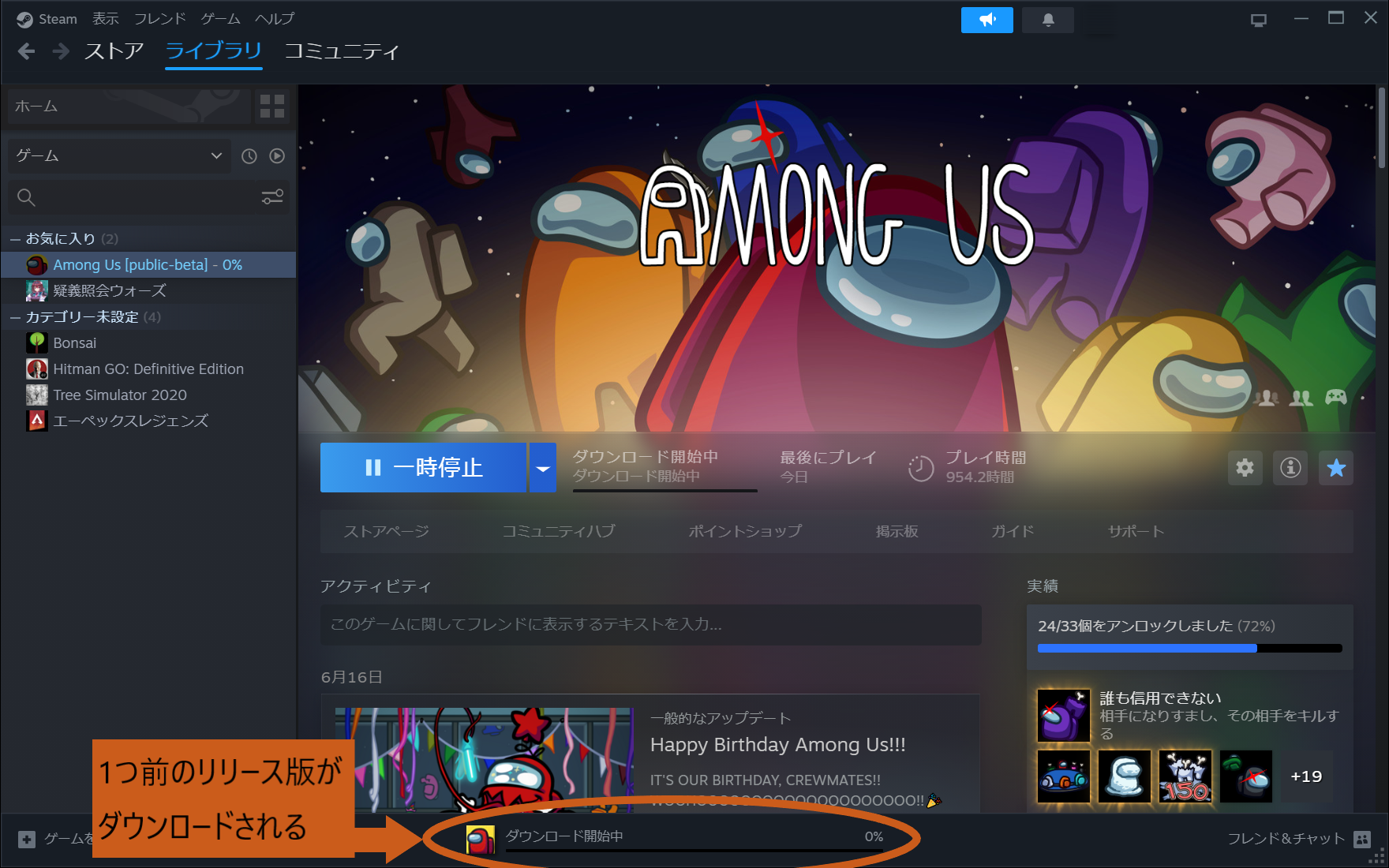
Among Usfolder does not exist, a newAmong Usfolder will be created and the download will start.The folder that will be downgraded is the
Among Usfolder.- Folders with any other name will not be downgraded.
- Instead of renaming a Mod folder to
Among Usand downgrading it directly, it is recommended to first obtain the vanilla files, duplicate that folder, and then install the mods anew.- This is because the mods inside the folder you want to downgrade may not be compatible with the older version.
- There is a high chance of losing compatibility (e.g., BepInEx may not support the older version).
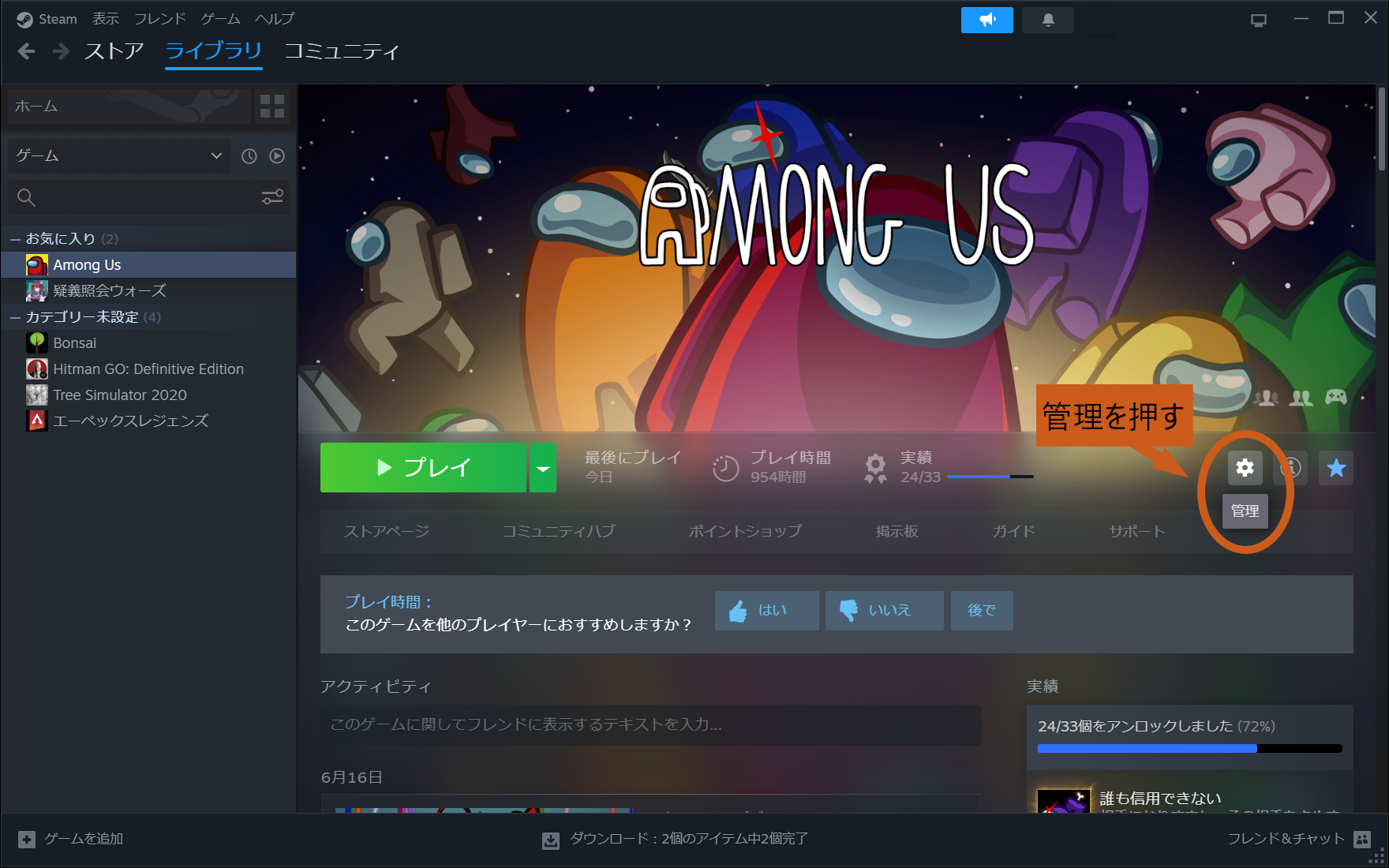
Open the Manage button on the Among Us page.
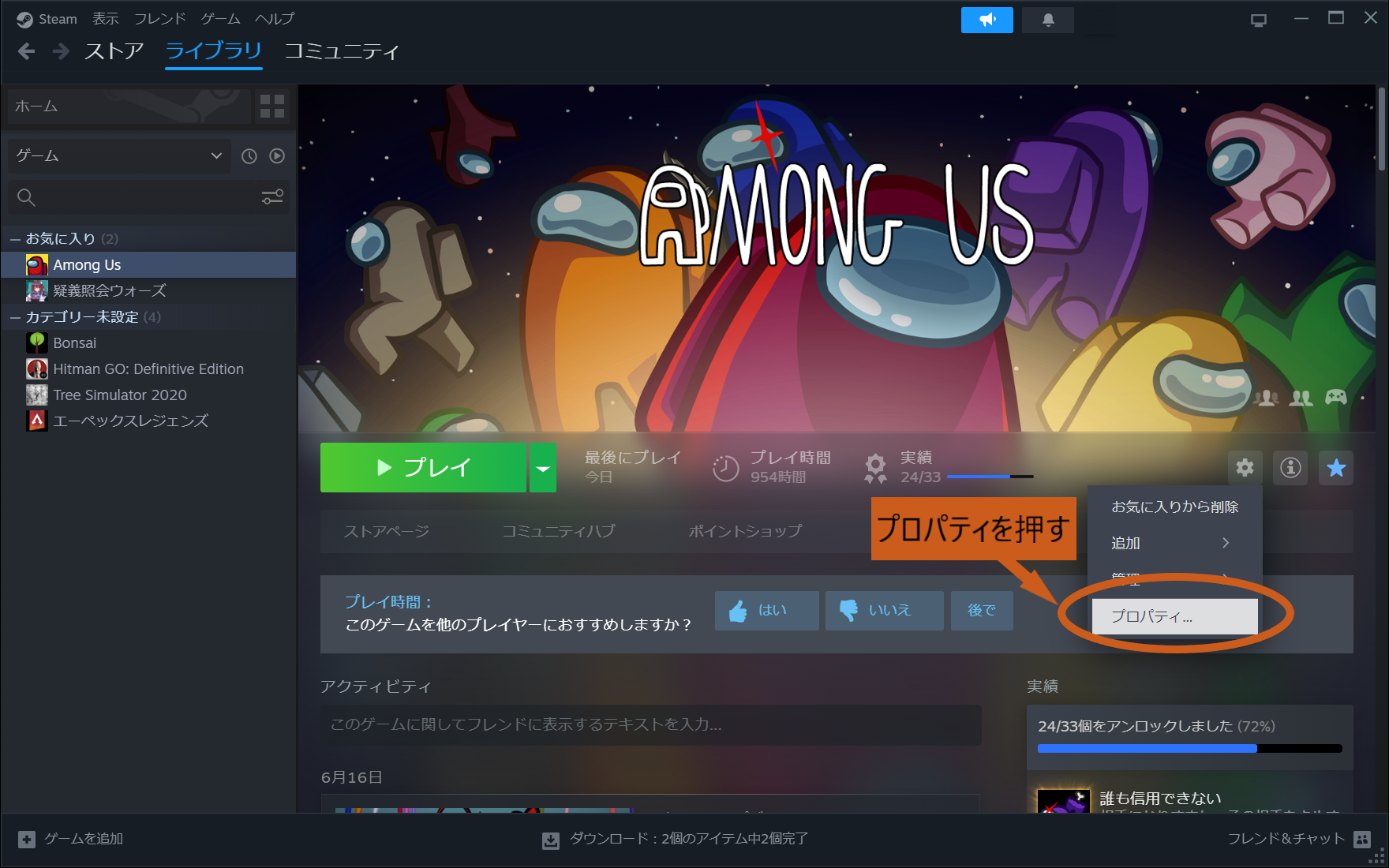
Open Properties.
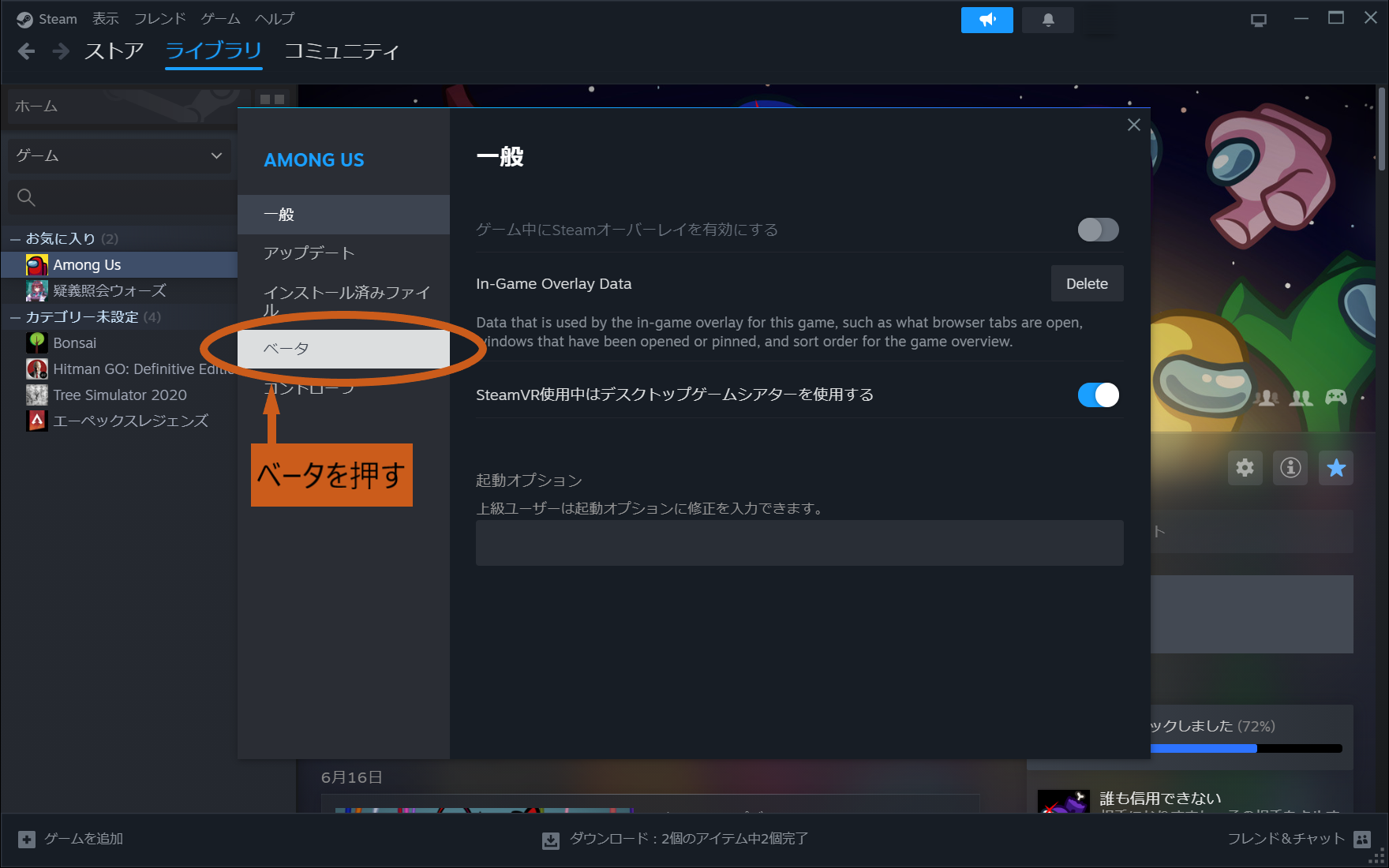
Click Beta.
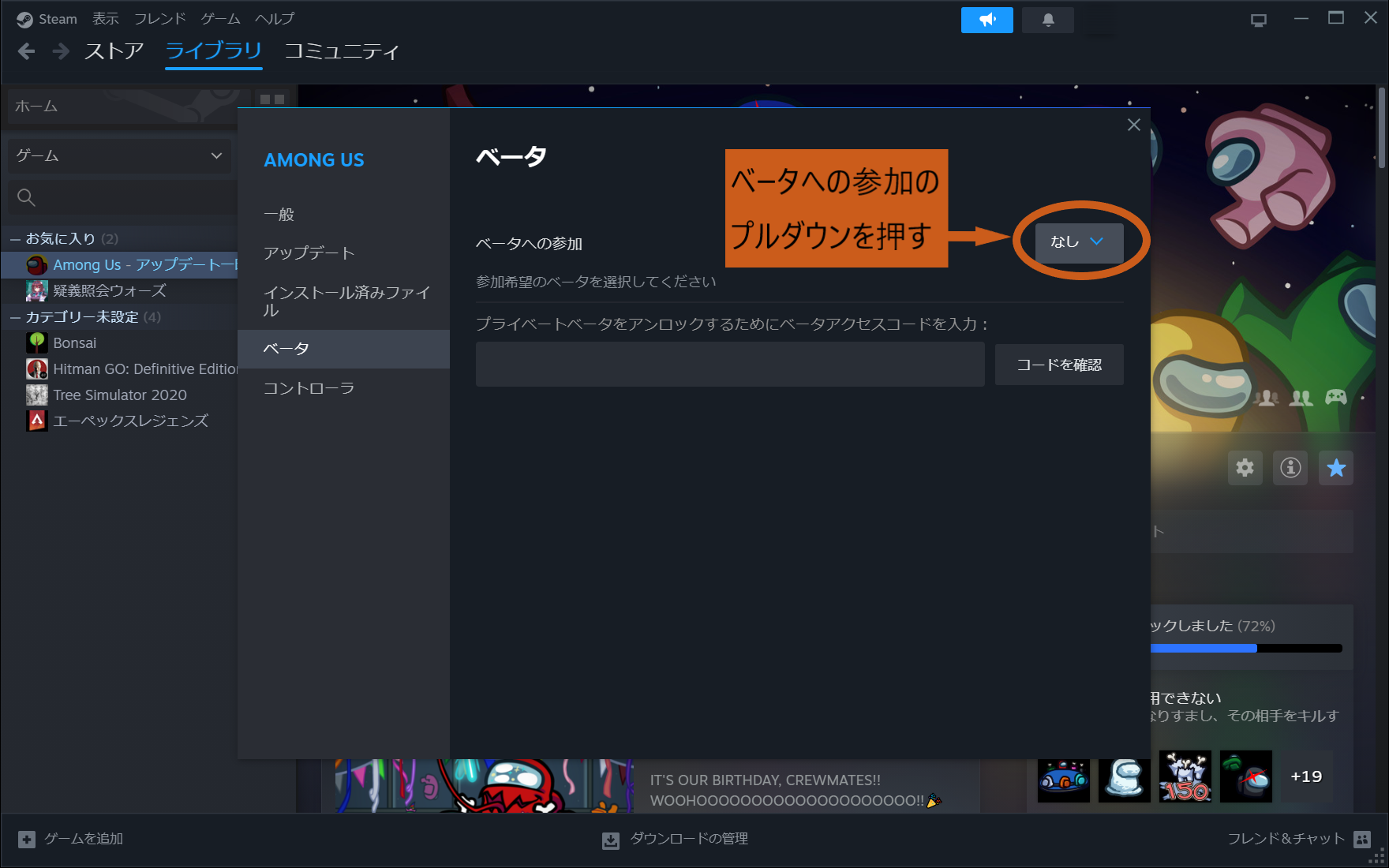
Click the dropdown to Join the beta.
Choose the version to download
- Which one is the previous version changes each time, so if the installed version is different, switch and download again.
- Select
public-previous – Previous live production version. - Select
public-beta – public-beta.
- Select
- Which one is the previous version changes each time, so if the installed version is different, switch and download again.
The download of the older Among Us version will start.
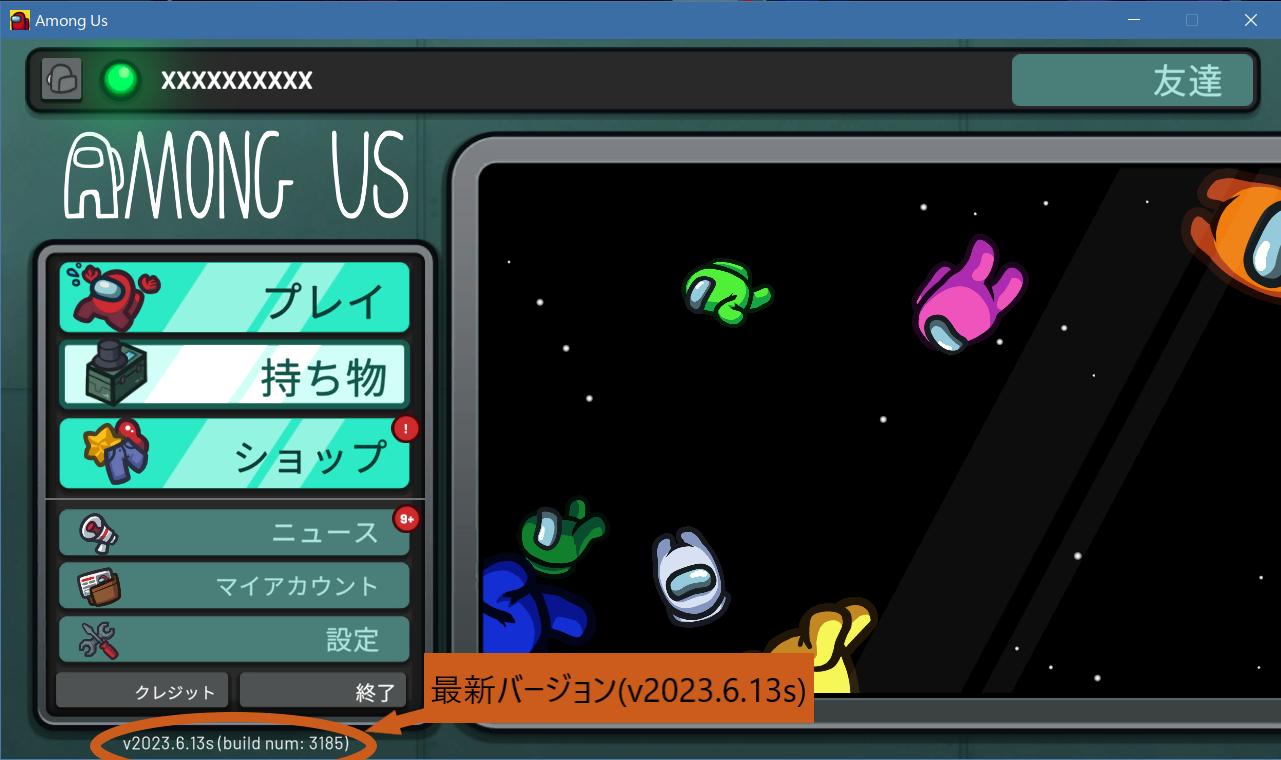
After the download finishes, launch the game and verify that it is the required version.
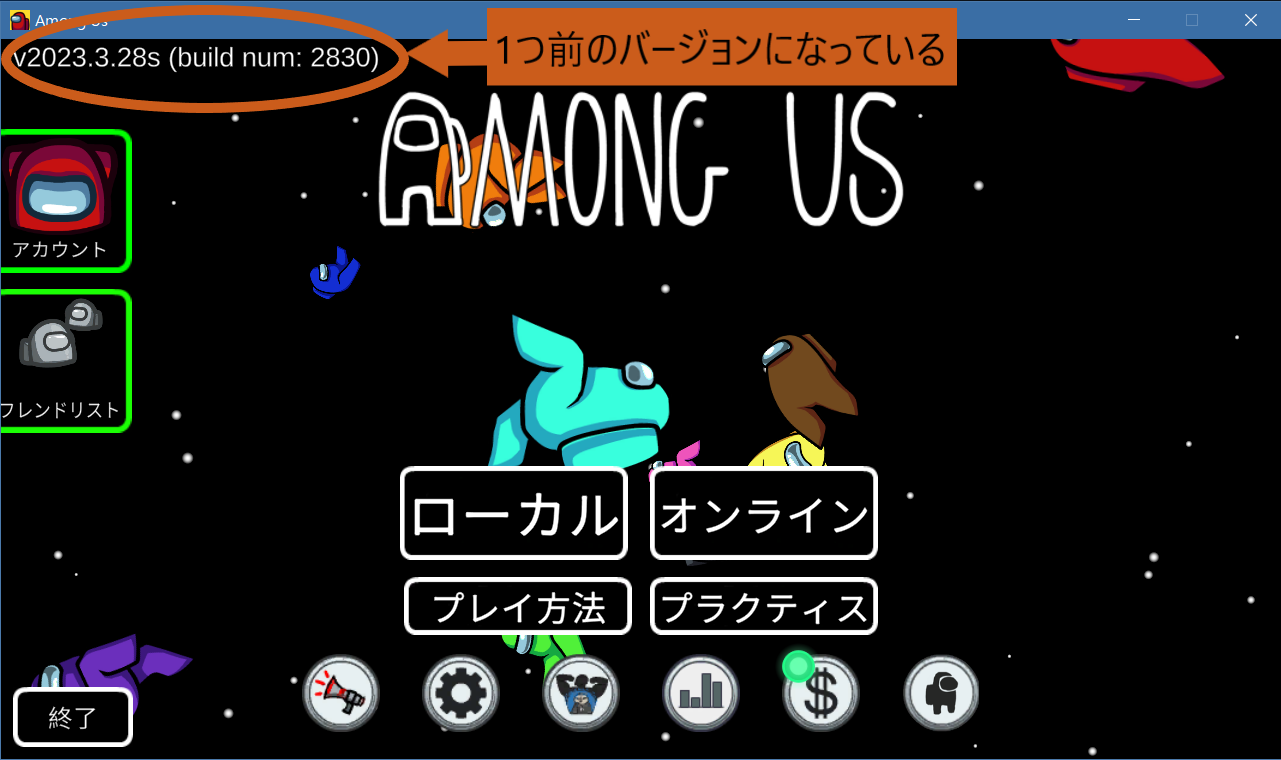
If it matches the needed version, the downgrade is complete.
If it is a different version, go back to step 6, choose another version, and try downloading again.