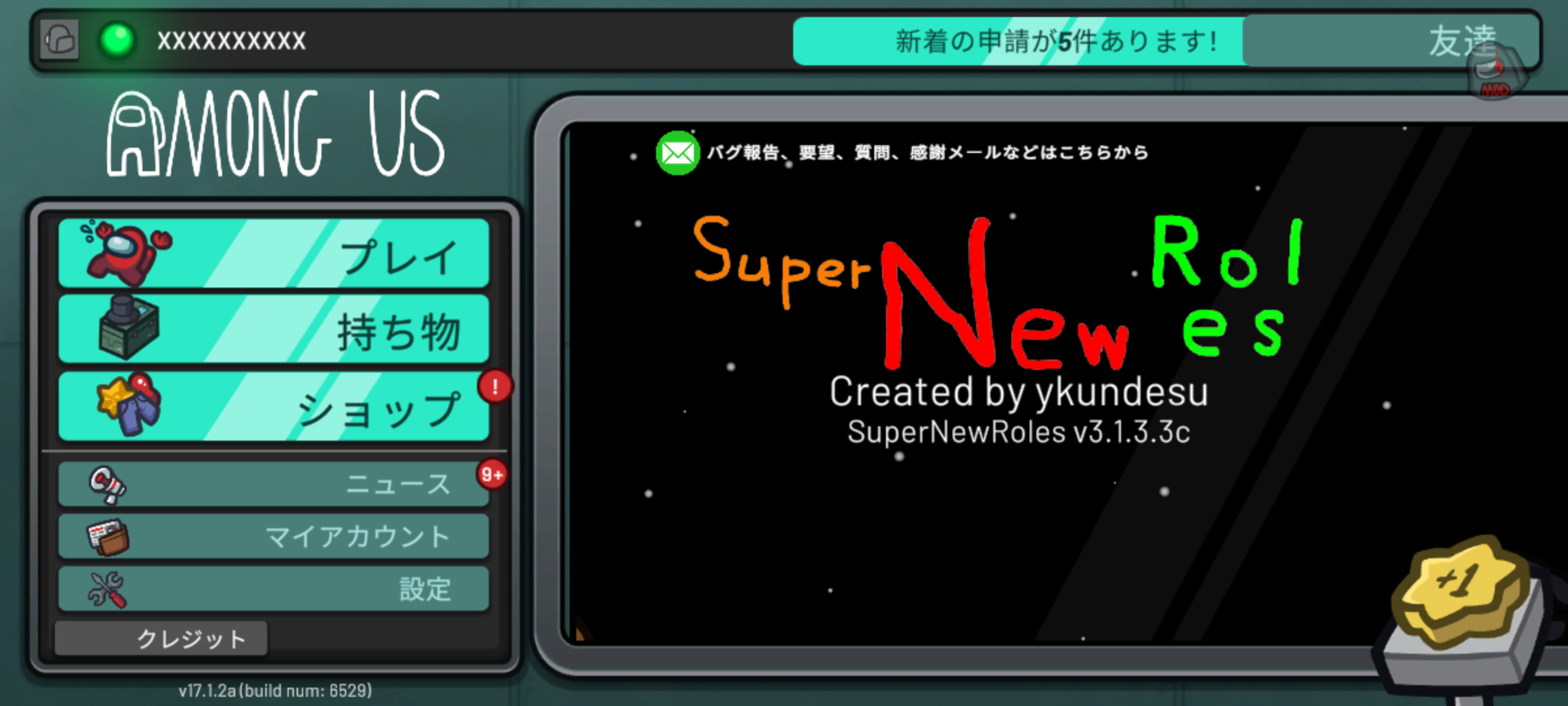
How to Install the Android Version
You can watch the installation guide on YouTube.
English subtitles are available.
Installation Guide (YouTube)
Install Starlight
Tap the link below and install Starlight from the Play Store.
Starlight on the Play StoreSearch for SuperNewRoles
Go to the Explore tab, then select SuperNewRoles using the 🔍️ icon in the upper right.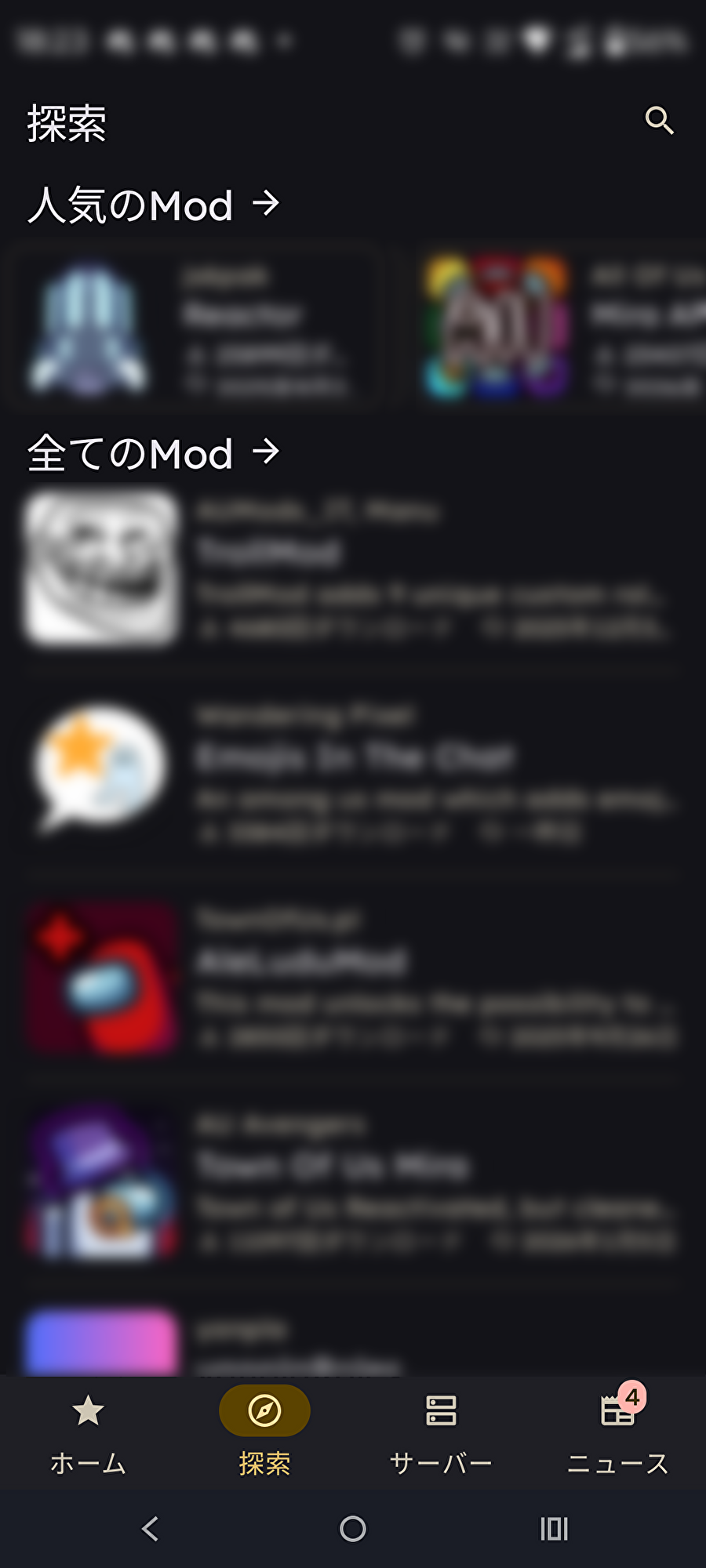
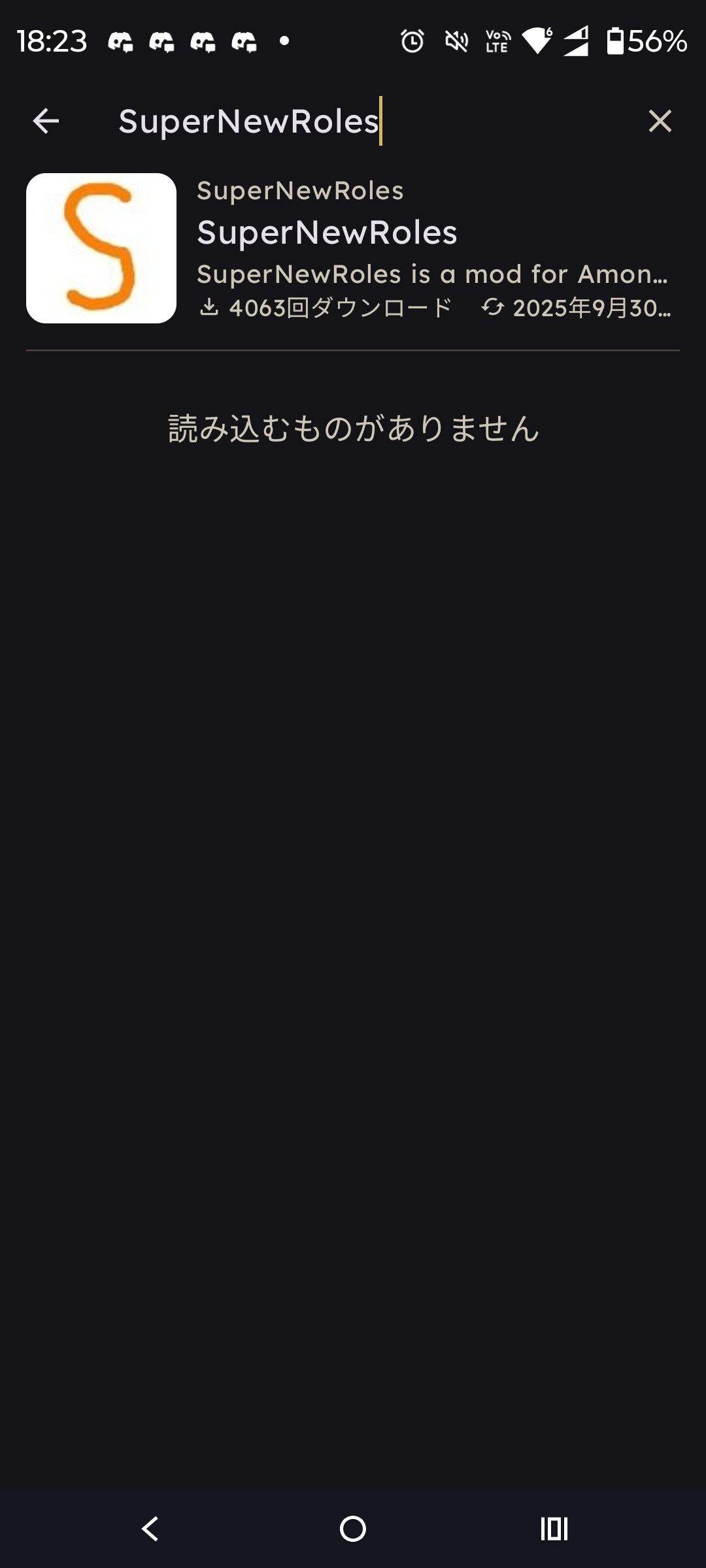
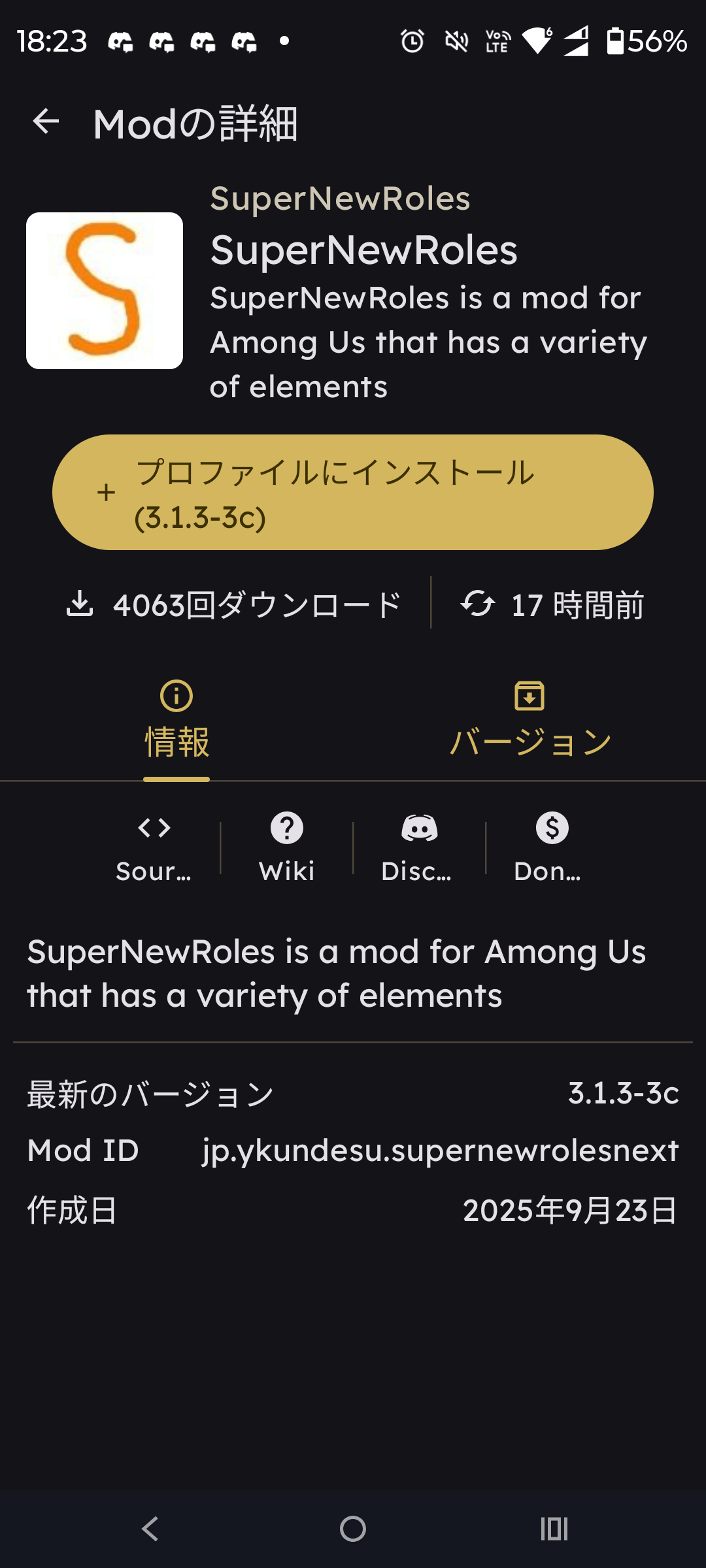
Tap Install to Profile and create a new profile
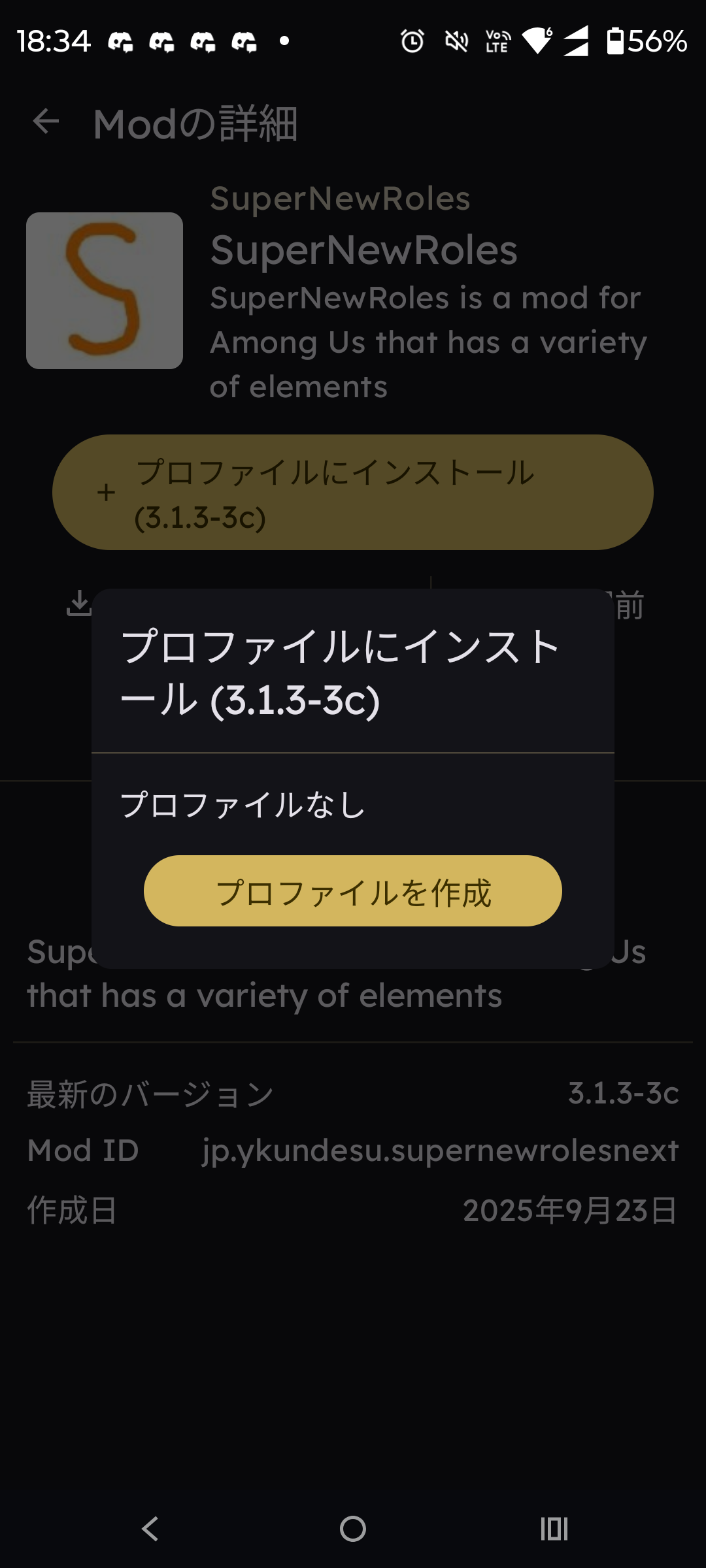
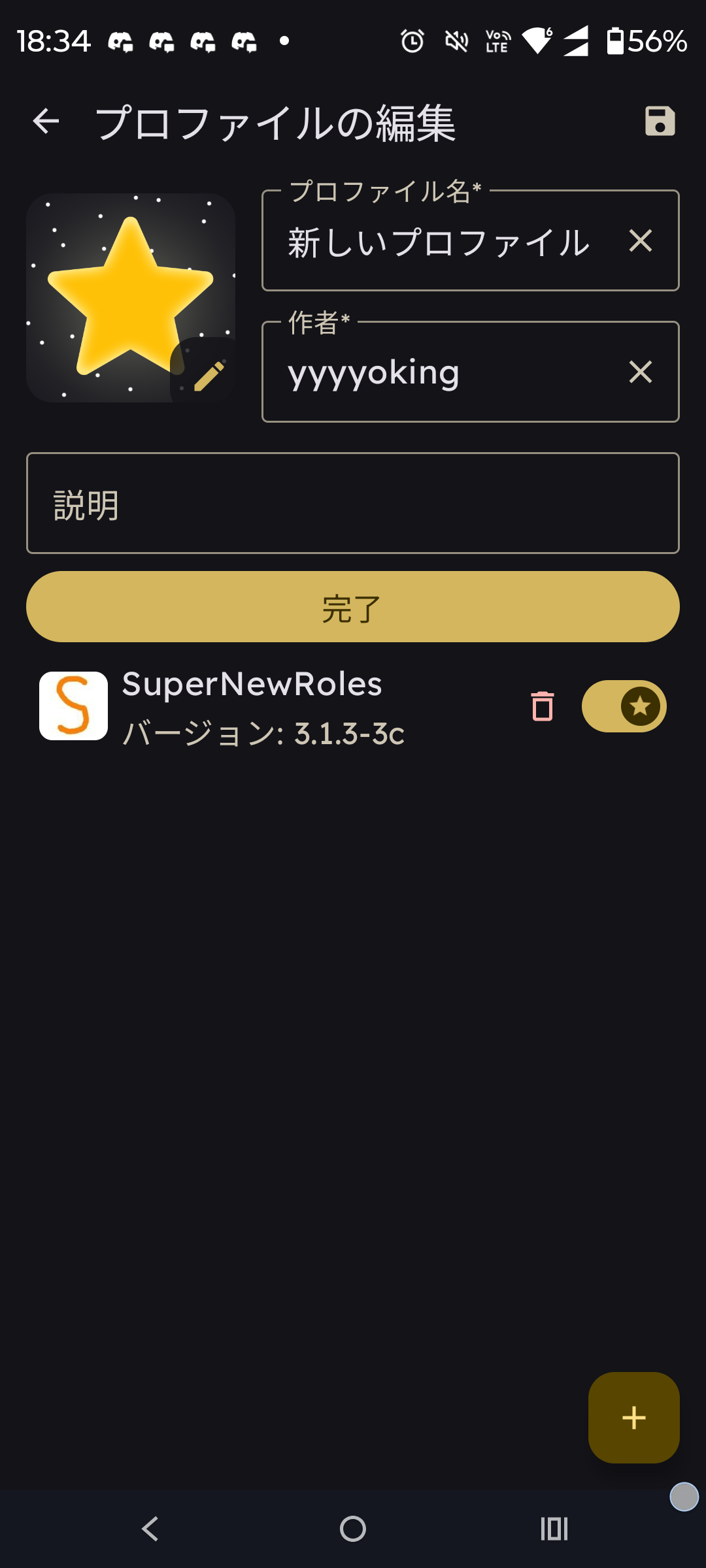
Tap the left arrow in the upper left until you return to the first screen, then go back to Home
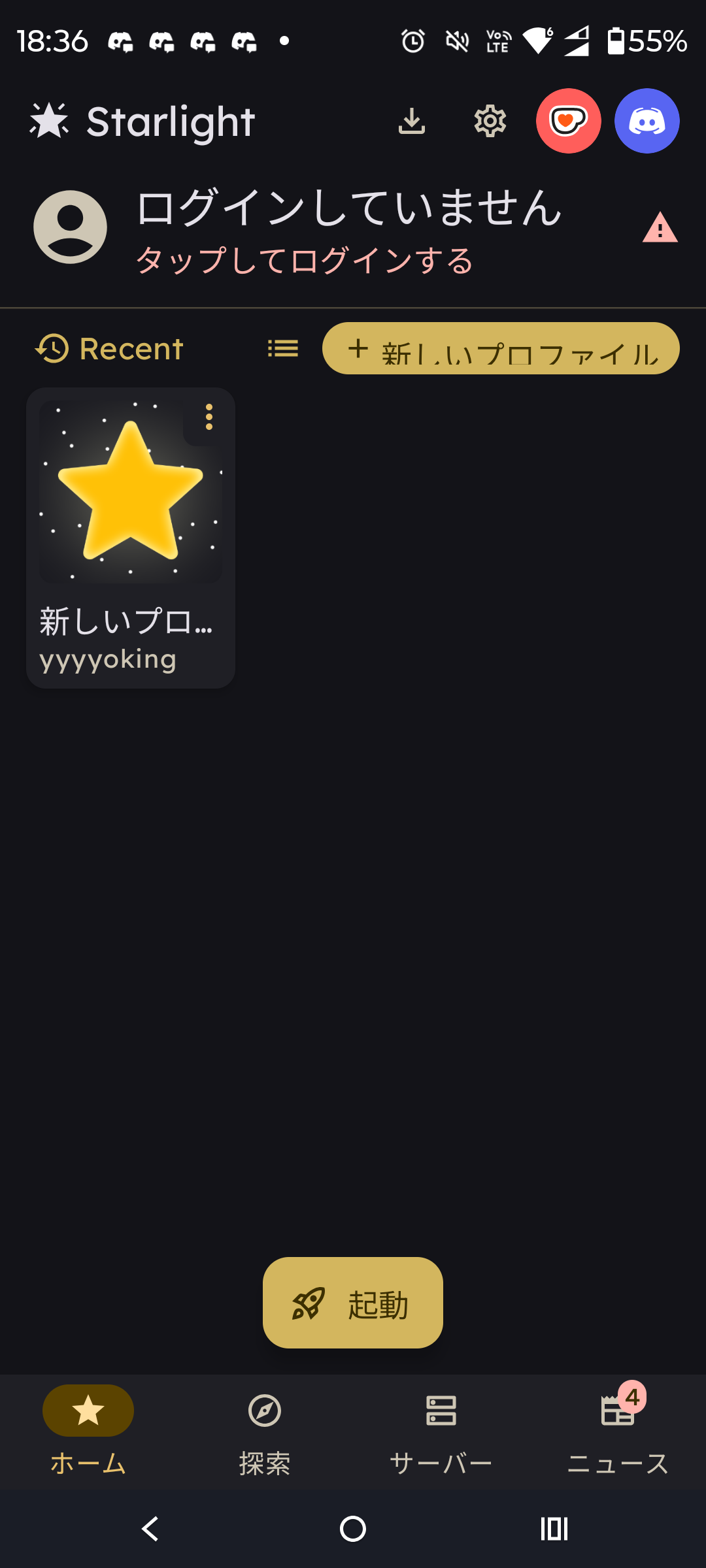
Create or log in to your Itch.io account, then link it with your Among Us account
Please watch the installation video from 49 seconds onward.
Installation Guide (YouTube, from 49 seconds)🚀 Launch!
Tap and select the profile where SuperNewRoles is installed, then press 🚀 Launch to start it.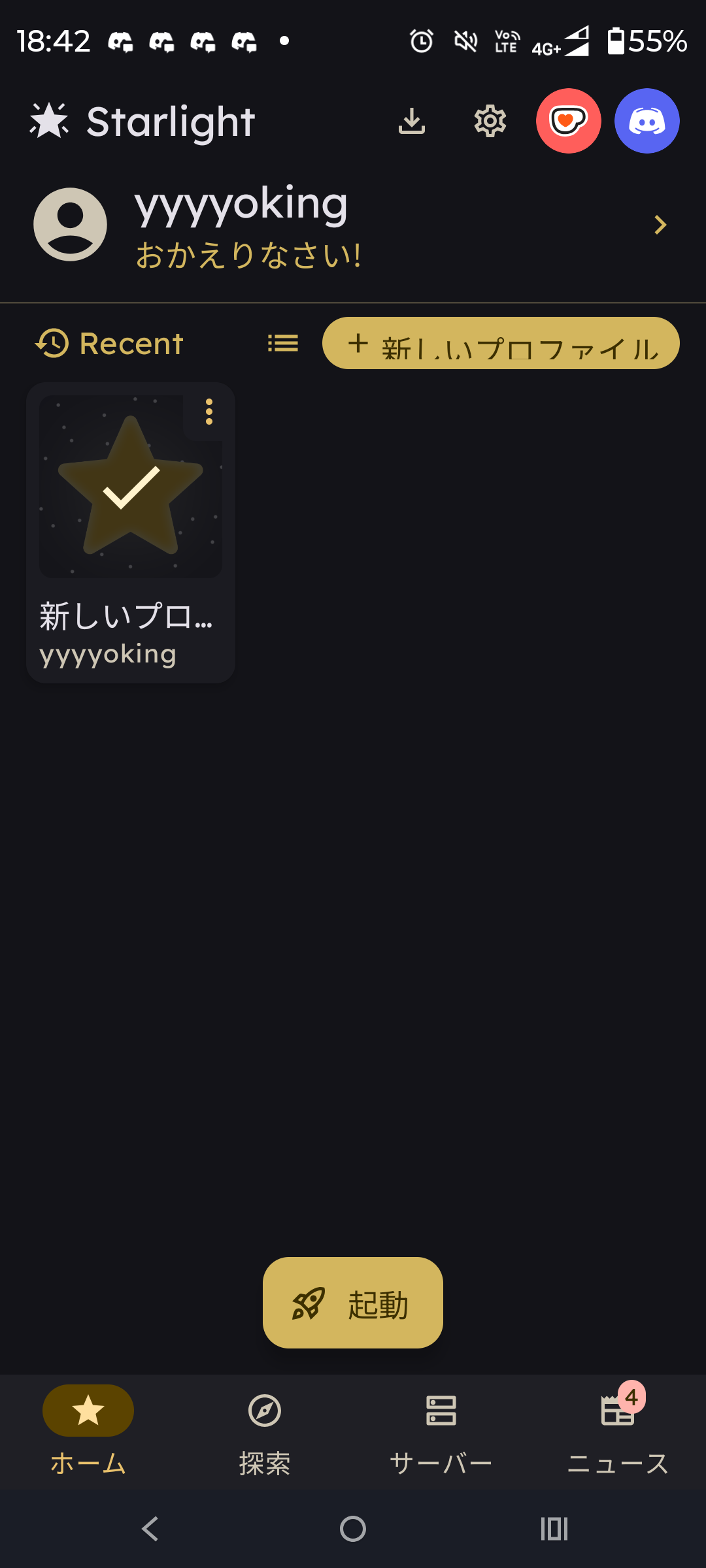
🎉 Enjoy SuperNewRoles!
Have fun with SuperNewRoles! You can view the roles from the List of Roles.